
Diagnostic planning
- Robust tool for personalized test panels
- Custom patient fasting and prep instructions
- Instant data sharing between platforms
- Access to longitudinal diagnostic history
OmniH API
Providers use OmniH to order, track, and share diagnostics with confidence. Developers use the OmniH API to expand their health solutions, enhance user efficiency, and improve patient outcomes, all while optimizing resources.
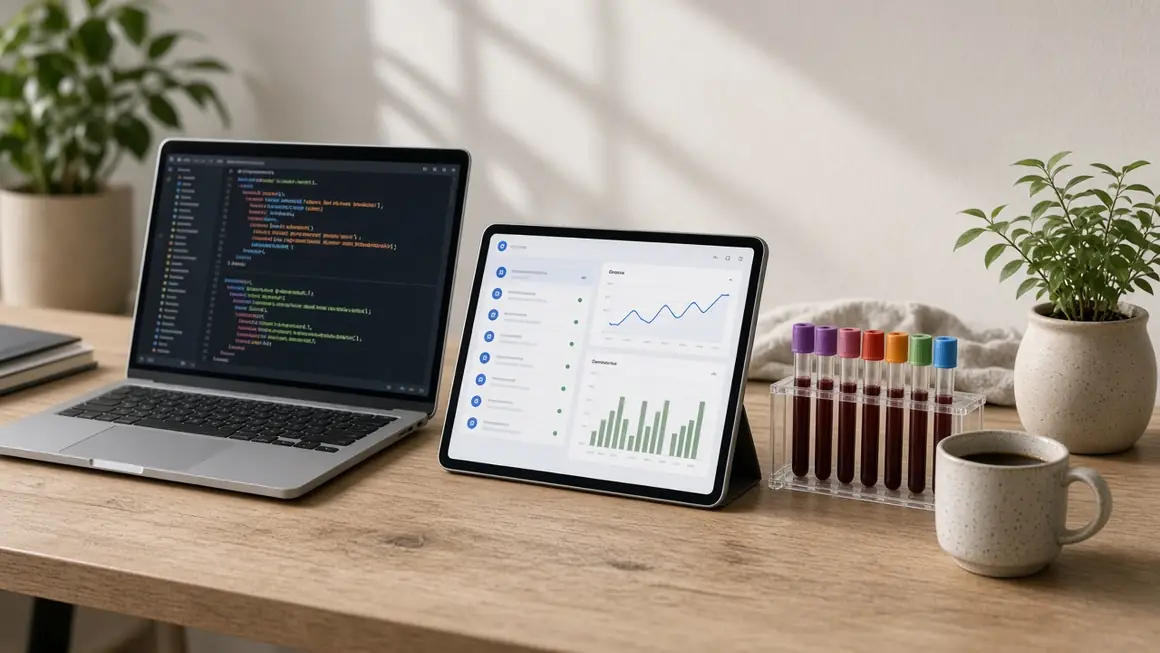
Embedded components
Gain a competitive advantage by offering:
Check out our public docs with technical references and step-by-step building guides.
OmniH.js
Here's how our JavaScript embeddable module makes building a breeze:
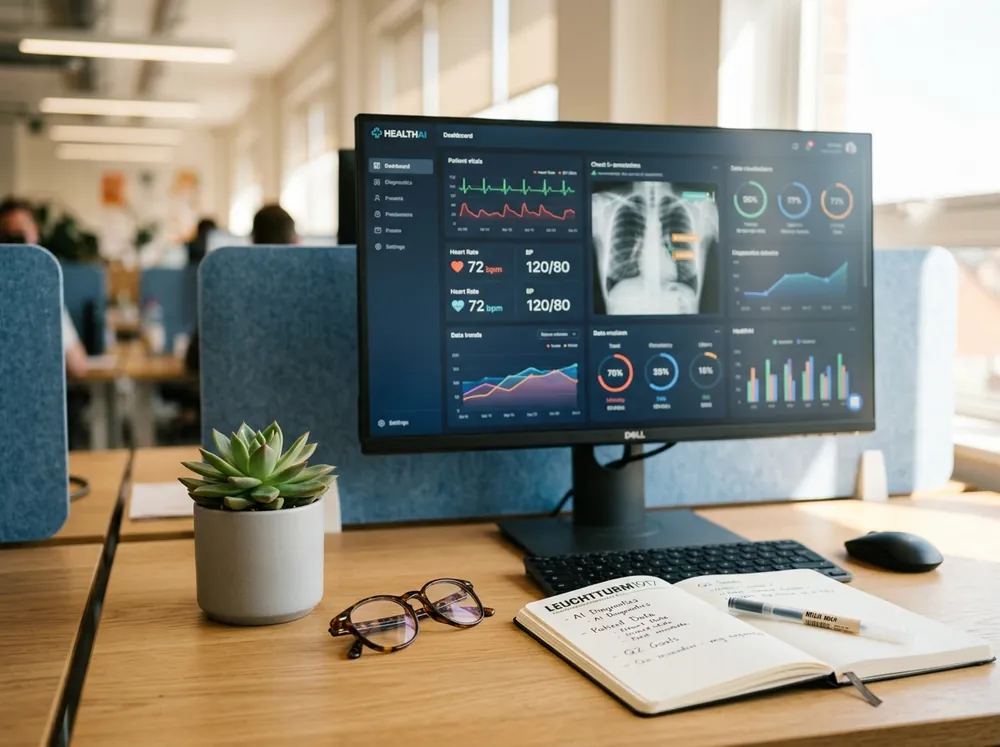
Builds are fast. Simply embed the OmniH diagnostic ordering tool where it fits.
Paired with an event system so actions in the embeddable experience can be synced to your stack.
Automatic access to new feature sets with updates to the latest component library.
Getting started
Use the comprehensive OmniH API portal to access keys, support, documentation, and configuration.
Develop a safe, secure build that streamlines access for your providers.
Embed the OmniH diagnostic ordering tool into your web application. Create a DOM element within which a feature can be embedded.
Get information back from the embeddable as it happens, to store in your app. Subscribe to webhooks to get even more data automatically sent to a specified URL within your system.
Our team understands how providers work. Lean on us for workflow mapping, technical support, and demos. When you are ready, request a review of your app and we will help you move it into production.
Integration options
The OmniH API has endpoints to most elements of the diagnostic ordering experience that can supplement your embedded application.
Easy redirect to the diagnostic ordering experience by opening a new tab that maintains provider and patient context.
Option for CRM-type or marketing solutions that require syncing of up-to-date patient demographics.
Practitioners using an OmniH integration reduce lab ordering turnaround and eliminate phone and fax friction between clinics and laboratory facilities. Lab orders, specimen tracking, and verified reports attach to the patient chart automatically.
Access the OmniH Integrate portal for sandbox credentials, align on authentication and clinical workflows, execute an API license and BAA, build against synthetic patient data, then request a production review with our implementation team.
Developer API and sandbox access is free. Standard diagnostic orders and lab processing fees are paid by patients, clinics, or insurer billing accounts depending on the ordering model you configure.
Yes. You can use OmniH-managed billing, or pass pre-authorized clinical billing tokens and keep your own practice management ledger.
With OmniH.js, partners routinely launch in days. Headless REST builds with bidirectional EHR sync typically take two to three weeks with integration engineering support.
Sandbox access
Create an Integrate account to access the OmniH API and support to start innovating.
Questions? Email integrations@omnih.health.